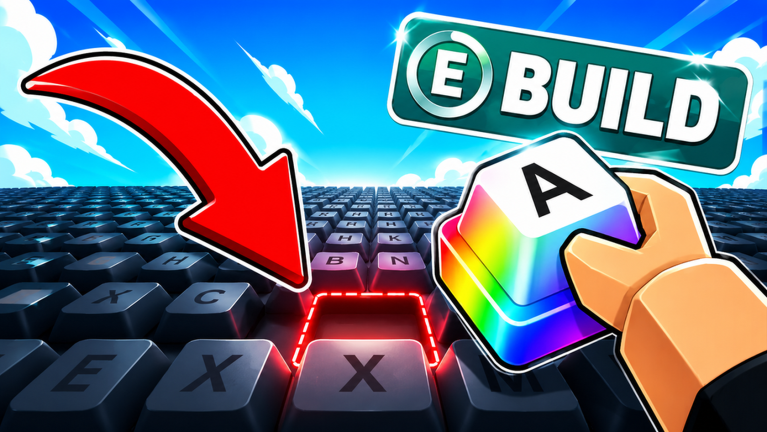
Starting Strong in Build A Keyboard
Build A Keyboard lets you collect rare keycaps, hire workers, and automate your keyboard farm. But getting set up can feel slow without a boost. That is where code redemption comes in. By redeeming active codes, you can earn free XP, Dumpling Boxes, and temporary money multipliers that accelerate your first hour dramatically. However, not all rewards are equally valuable at the start. Knowing which to claim first can save you time and help you climb the leaderboards faster.
Why Code Order Matters for New Accounts
When you first load the game, your priority should be unlocking upgrades and hiring workers quickly. XP boosts allow you to level up and access better keycaps and automation options. Dumpling Boxes give you crates that might contain rare items. Money boosts double your earnings for a short period. The key is to use XP rewards first to raise your level, then apply money boosts when your production is already running so you maximize the multiplier. This order ensures you get the most out of each reward type.
Use the live list below to see all currently active codes. Then come back for step-by-step redemption instructions and troubleshooting tips.
Active Build A Keyboard Codes (September 2026)
3 verified codes available for Build A Keyboard.
How to Redeem Codes in Build A Keyboard
Redeeming codes is straightforward. Launch the game and click the Settings gear icon in the upper-left corner. Scroll down until you see the Enter Code section. Type or paste an active code exactly as shown, then click Redeem. If the code is valid, the rewards appear instantly in your inventory. Make sure you are not in a menu that blocks the settings button, and double-check for typos or extra spaces.
Why a Code Might Fail
Codes can fail for several reasons. The most common is a typo. Codes are often case-sensitive and include numbers or special characters. Another reason is expiration. Developers deactivate codes after a certain period or after a milestone is reached. If a code does not work, it may have expired. Also, some codes require you to be at a certain level or have completed a tutorial. If you just started, try the simplest codes first.
Where to Find New Codes
Developers release codes through the official Build A Keyboard Discord server, the game's Roblox page updates, and social media accounts. Codes often drop when the game hits new milestones, such as a certain number of likes, or alongside major updates. Checking the Discord's codes channel is the most reliable way to catch new rewards before they expire. You can also bookmark this page, as we update it whenever fresh codes appear.
Update Cadence
New codes do not follow a strict schedule. They typically arrive with content updates or community celebrations. Since the game is actively maintained, expect a handful of codes each month. There are currently no expired codes, meaning all released codes are still usable. However, that can change at any time, so redeem them promptly.
Frequently Asked Questions
Q: Do codes expire in Build A Keyboard?
A: Yes, codes can expire when developers deactivate them. As of now, all publicly released codes are still active, but that may change after updates or when new codes replace older ones.
Q: How often are new codes released?
A: There is no fixed interval. New codes appear with major updates, when the game reaches a like milestone (such as 50,000 likes), or during special events. Check the Discord server for announcements.
Q: Why did my code not give any reward?
A: This can happen if the code was typed incorrectly, has expired, or you already redeemed it. Also, some codes require a minimum level. If none of these apply, try restarting the game and re-entering the code.
Conclusion
Building your dream keyboard in Roblox starts with smart resource management. By prioritizing XP and timing your money boosts, you can skip the early grind. Always keep an eye on official channels for fresh codes, and use our live widget to stay up to date. Redeem quickly, build efficiently, and enjoy your custom setup.