Why Make Rugs! codes fail, and how this tracker catches them
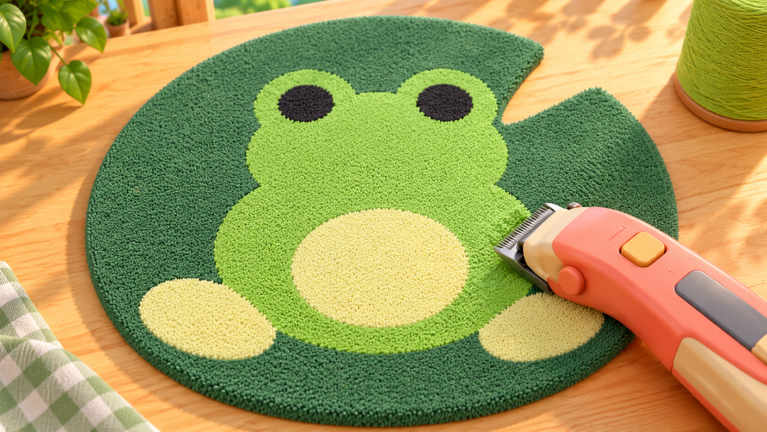
Make Rugs! is a workshop tycoon where you roll colorful yarn, tuft designs, shave them smooth, and sell the finished rugs in your own shop. Customer orders arrive through your phone, hired employees keep production moving even while you are offline, and new yarn colors give you more designs to sell. Because progress depends on steady income and materials, the game's code system matters more than it looks: a single dropped code can fund a batch of orders or push a shop upgrade forward.
This page exists to answer one practical question honestly: can you claim anything right now? As of October 2026, there are currently none to redeem. No rewards can be claimed yet for Make Rugs!. The live tracker below is monitored continuously and updates the moment codes drop, so the list fills in the second a new drop is confirmed rather than staying stale.
What the live tracker actually verifies
Codes for Make Rugs! surface in uneven places. Some are posted in the developer's Discord channels, some appear alongside update announcements, and some circulate through Reddit threads and YouTube videos hours before anyone confirms them in-game. That gap between a rumor and a working drop is exactly where players lose time, typing strings that were never real.
The verification limit is worth stating plainly. A code is only marked confirmed once community reporting and independent sources agree, and Discord-sourced drops are labeled as such so you know the origin. Rewards are described only once they are documented, and some drops are listed before their exact contents are pinned down. Anything expired is removed from the live count, which is why this page currently tracks a small set of entries and reports no claimed rewards at this moment.
Check the live list after the ad, then keep reading for redemption fixes, failure causes, and update tracking.
Active Make Rugs! Codes (October 2026)
No verified active codes yet for Make Rugs!; 4 unverified codes are being tracked.
How to redeem a code in Make Rugs!
When a code goes live, redemption runs entirely through the in-game Shop menu. The sequence is identical every time:
- Launch Make Rugs! in Roblox and wait for your workshop to load.
- Tap the Shop button pinned to the left side of the screen.
- Scroll all the way to the bottom of the Shop panel, where the Codes section sits.
- Paste the code into the Enter a code field, preserving its exact spelling.
- Press Redeem and read the confirmation message before leaving the menu.
Copy straight from the live list instead of retyping. Manual typing is the most common source of rejected submissions in this game.
Why a Make Rugs! code gets rejected
Failed redemption in Make Rugs! almost always traces back to three causes. The first is an invisible extra space before or after the code, which usually happens when a string is pasted from a chat window or a video description. The second is timing: a code stops working shortly after it expires, or after you have already claimed it once, and the game returns a rejection message either way. The third is a requirement, such as a level or update prerequisite, that must be met before the Shop accepts the entry.
Read the message the game shows you before trying a second code. It tells you which of the three you are dealing with, and that saves you from burning a valid drop on a typo retry.
Where Make Rugs! codes are announced
The developer, Playmade, distributes codes through the social links listed on the official Roblox page for Make Rugs!, with Discord announcements as the primary channel. Community coverage on Reddit and YouTube fills in gaps and often flags drops within hours, but Discord remains the fastest confirmed source. The naming pattern of past drops has closely tracked server restarts and theme updates, so the best windows to watch are the moments a new build ships and the game reboots.
Make Rugs! codes FAQ
Q: Where is the code box located inside the Make Rugs! interface?
It lives at the bottom of the Shop panel, which you open from the button on the left edge of the screen. There is no separate codes menu anywhere else in the game.
Q: Why does Make Rugs! reject a code my friend already redeemed?
Codes in this game are typically single-use per account, and some expire on a timer. If a friend claimed it earlier, your account will get a rejection even though the spelling was correct.
Q: Do Make Rugs! employees or yarn colors affect whether a code works?
No. Redemption depends only on spelling, expiry status, and any stated account requirement. Workshop progress does not change the outcome.
Keep the tracker open during restarts
The reliable habit in Make Rugs! is simple: check this page when an update ships, redeem through the Shop panel with a clean paste, and read the rejection message before retrying. The tracker refreshes as soon as new drops are confirmed, so the list below is always the current state of what can be claimed.