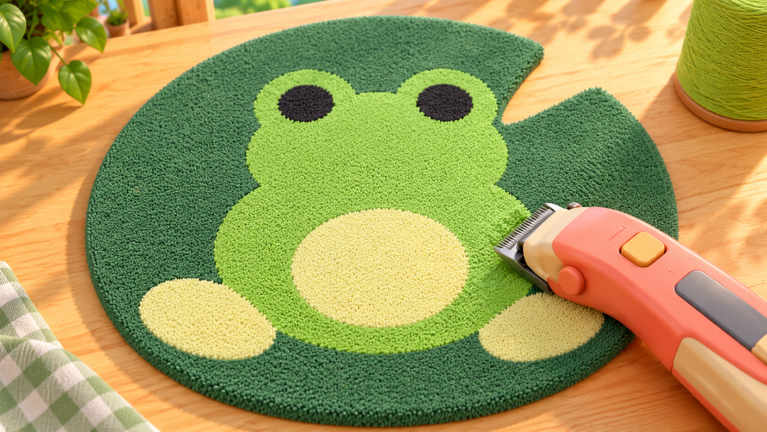
Make Rugs! is a workshop tycoon where you roll colorful yarn, tuft designs and shave them smooth before selling them in your shop. The October 2026 pass on the game has been less about a headline feature drop and more about the plumbing that keeps a long crafting session moving. Independent trackers put the current check at October 23, 2026, with the Make Rugs Wiki last updated on October 21, 2026, so everything below reflects the state of the workshop as it stands this month.
Why quiet quality of life updates matter in a tycoon
Tycoon games live or die on repetition. Every extra click, every hidden submenu and every silent failure adds friction to a loop you perform hundreds of times. When the maker team, Playmade, smooths the route to a menu instead of adding a new machine, the payoff shows up as time you get back on every single customer order. That is why the October 2026 changes to the Shop panel, the redemption flow and offline productivity deserve their own breakdown, even without a flashy new build or mode attached.
The Shop panel and the codes box at the bottom
The clearest interface change players interact with is the placement of the redemption area. Both independent trackers describe the same route: select the Shop icon on the left side of the screen, scroll all the way down in Shop, and enter a string in the field labeled Enter a code, then press Redeem. The Make Rugs Wiki explicitly calls this the Codes section sitting at the bottom of Shop, which confirms the flow is a stable, documented part of the current interface rather than a hidden menu.
Grouping the entry field inside the existing Shop window instead of a separate overlay means one less screen transition during a session. You stay inside the shop layout you already have open, which also keeps your order list and workshop view intact while you redeem. That small consolidation is exactly the kind of change that goes unnoticed until you try to remember where it used to be.
Fixes that affect daily play
Redemption failures are the most common daily complaint pattern for these systems, and the October 2026 guidance addresses them directly. Two failure states are named: an extra space before or after the pasted text, and a string that has expired or already been claimed. The wiki adds a third useful behavior to watch for, noting that an expired entry will not grant its reward and that the game displays a message explaining what happened.
That visible error message is the real quality of life win. A silent rejection makes players assume the system is broken, while an on-screen explanation points them at the actual cause. The wiki also recommends using its own copy control to preserve exact spelling, which pairs well with the in-game message to remove guesswork from the process.
Accessibility and information clarity
Clarity extends beyond menus. The Make Rugs Wiki tracks every entry with a status label and lists zero expired codes at the time of its October 21, 2026 update, so players can see at a glance what is still live. One entry sourced from Discord is currently marked Reported active with the note Reward not specified, which shows the trackers are being honest about gaps rather than filling them in with guesses.
For players who prefer watching over reading, a YouTube video titled ALL WORKING MAKE RUGS CODES ROBLOX is circulating under the banner All New Make Rugs Codes 2026, giving the community a visual walkthrough alongside the text trackers. Having both formats available is a small accessibility gain for a playerbase that spans age groups.
Community reaction
Sentiment this month has been practical rather than loud. On Reddit, the thread in r/RobloxCodesUnite is titled Make Rugs codes regular updates, which tells you what that audience wants: a recurring, reliably refreshed list rather than one-off posts. The wiki mirrors that expectation by stamping a Last updated date on the page, and UrGameTips stamps its own with Updated October 23, 2026.
The friction point players are watching is the Discord-sourced entry with no specified reward. Until the developer publishes the detail, community trackers label it Reported active and leave the reward blank, a transparency-first choice that most threads appear to accept. Meanwhile the developer's own channel for announcements remains the official Roblox page and the social links listed there, with the wiki pointing readers to two Discord channels for fresh drops.
FAQ
Q: Where exactly do I enter a redemption string in Make Rugs!?
Open the Shop icon on the left side of the screen, scroll all the way down to the Codes section, type into the Enter a code field, and press Redeem.
Q: Why does Make Rugs! say my redemption failed?
The two common causes are an extra space before or after the pasted text, and an entry that has already expired or been claimed. The game shows an on-screen message explaining which one applied.
Q: What do employees do while I am not playing in October 2026?
Hired employees keep working while you are offline, so the workshop continues producing between sessions and your phone can queue customer orders for when you return.
Conclusion
The October 2026 state of Make Rugs! is defined by consolidation: redemption lives inside Shop, failures explain themselves, offline employees keep the workshop ticking, and independent trackers date-stamp their pages so you know the information is fresh. Keep an eye on the developer's official page and the community Discord channels for the next round, since that is where the unspecified entry will eventually be detailed.
Active Make Rugs! Codes (October 2026)
No verified active codes yet for Make Rugs!; 4 unverified codes are being tracked.