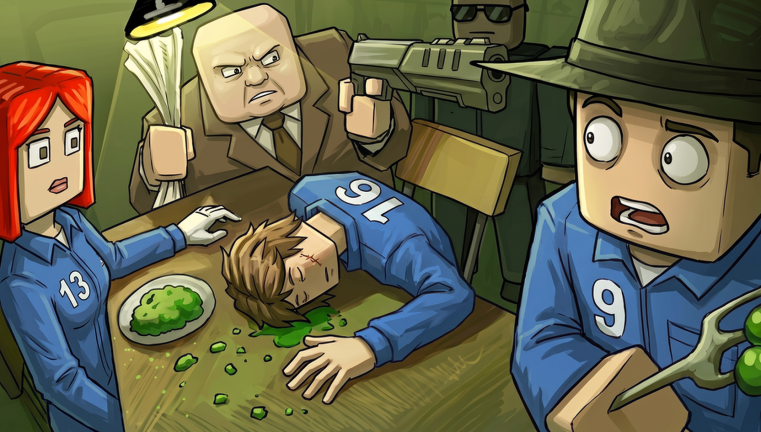
Welcome to My Gaming Cafe!, the Roblox management sim where you build and run your own gaming-themed cafe. The recent Full Game Renew update has overhauled the progression system, introducing new decorations, recipes, and staff upgrades. If you are just starting out, this guide will help you level up fast without wasting precious resources. Code rewards can give you a headstart, but there are currently none to redeem for My Gaming Cafe!. Our live widget below updates automatically the moment new codes drop, so check back often.
What New Players Should Focus On First
Start by completing the tutorial to learn the core loop: serve customers, earn coins, and use decorations to boost attractiveness. After that, prioritize these actions:
- Buy one high-impact decoration early. Decorations with percentage bonuses, like a neon sign, attract more customers and increase tips. A single good decoration can double your hourly earnings.
- Save diamonds for permanent upgrades. Diamonds are rare. Never waste them on speeding up timers or temporary boosts. Instead, save for staff upgrades or new recipe slots.
- Complete daily quests and milestones. Milestones like serving 100 customers reward coins and special decorations. Check the quest menu every login.
A Practical Early-Game Plan
- Day 1: Complete the tutorial. Spend your starter coins on one mid-tier decoration, such as a retro arcade machine. This will attract more customers and start building your income.
- Day 2 to 3: Save 200 diamonds for the Speedy Oven upgrade, which cuts cooking time by 15%. Use Gacha Tickets from leveling up to earn bonus items.
- Week 1: Hire a part-time helper if your budget allows. Keep a reserve of 50 diamonds for limited-time events. Check the codes widget daily, as new rewards may appear at any moment.
How the Progression Loop Works
Your cafe earns coins from every sale and tip. These coins pay for ingredients, furniture, and renovations. The key stat to watch is attractiveness, which determines how many customers walk through your door. Higher attractiveness brings more customers, faster service times, and more leveling opportunities.
Leveling up unlocks new recipes, expands your cafe to new rooms, and increases your staff slots. The trick is to balance spending between attractiveness and staff efficiency. Early on, attractiveness gives the biggest return, because more customers means more coins per hour. Once you have a steady flow, invest in staff upgrades to serve them faster.
How Code Redemption Fits Into Progression
Code rewards in My Gaming Cafe! can grant Gacha Tickets, diamonds, or exclusive decorations, which is why players keep an eye out for them. To redeem a code, click the gear icon at the top of the screen, open the Codes tab, type the code exactly as it appears, and hit Activate. Rewards are added to your account instantly.
There are currently none to redeem for My Gaming Cafe!. This page is monitored and updates the moment codes drop, so the live list below is your best source for fresh rewards. When new codes are released, they will appear there right away. Remember that Roblox codes expire, so redeem them as soon as you see them. Avoid using free rewards on temporary boosts; instead, invest them in permanent upgrades like staff training or new recipe slots.
Game-Specific Mistakes to Avoid
- Wasting diamonds on speed-ups. Waiting 30 minutes for a renovation is fine. Diamonds are too valuable for skipping timers, especially when you need them for permanent upgrades.
- Buying cheap decorations with flat bonuses. A plant with a +1% bonus is far worse than a neon sign with +10%. Save your coins for high-impact items that move the needle.
- Ignoring customer preferences. Every customer has a favorite drink or food, indicated by a thought bubble. Serve them what they want for bonus tips, which adds up quickly across a shift.
- Neglecting staff upgrades. Faster chefs mean more customers served per shift, which boosts your daily earnings significantly. Prioritize staff speed after you have a solid attractiveness rating.
Frequently Asked Questions
Q: How do I unlock new recipes after the Full Game Renew update?
A: New recipes unlock as you level up your cafe. Investing in staff upgrades also reduces cooking time, letting you serve more variety per shift.
Q: What is the best decoration for early game?
A: Any decoration with a percentage attractiveness boost, like a neon sign, is best. Place it near the entrance to maximize visibility and customer attraction.
Q: How do I get more diamonds without paying?
A: Diamonds come from leveling up, completing milestones, and sometimes from code rewards. Focus on serving many customers and finishing daily quests to level faster.
Conclusion
Fast progression in My Gaming Cafe! comes down to smart resource management. Invest in percentage-based decorations, save diamonds for permanent upgrades, and always complete your daily quests. With the Full Game Renew update, these strategies will set you on the path to running the most popular cafe in Roblox. Bookmark this page and check back for new codes and tips!
Active My Gaming Cafe! Codes (October 2026)
No verified active codes are available right now for My Gaming Cafe!.