Score Goals for Brainrots: Mastering Code Redemption for Enhanced Gameplay
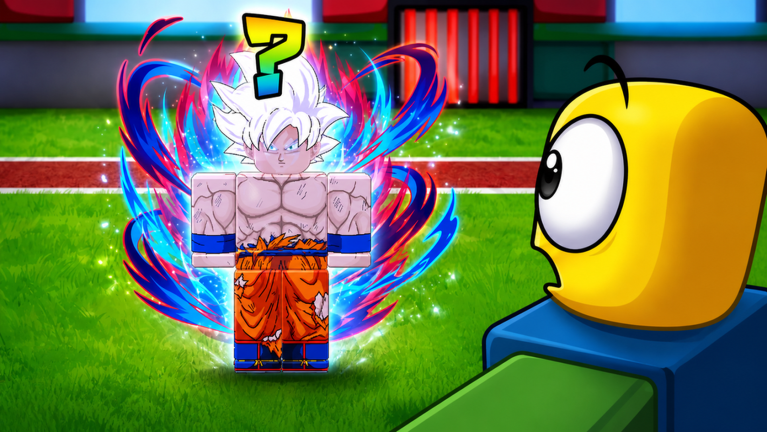
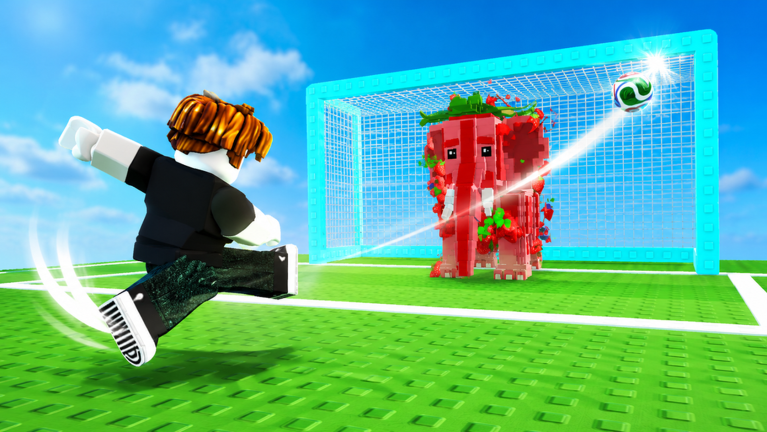
Welcome to the vibrant world of Score Goals for Brainrots, the Roblox experience where your soccer skills directly impact your collection of unique Brainrots! In this engaging game, players strive to score goals across increasingly challenging stadiums, collecting over 120 different Brainrots, leveling them up, and unlocking powerful soccer balls. A key element to accelerating your progress and enhancing your gameplay is the strategic use of codes. These special redeemable strings often provide valuable in-game resources, making your journey to dominate the global leaderboard much smoother. This guide will walk you through the code redemption process, help you understand the typical update cadence for new rewards, and offer troubleshooting tips to ensure you never miss out on a boost in May 2026.
Understanding the Code Redemption System
The code redemption system in Score Goals for Brainrots, much like many other popular Roblox titles, is designed to be straightforward, offering players quick access to free in-game advantages. While the exact button placement can vary slightly between Roblox games, you'll typically find a dedicated 'Codes' button or a similar icon (often a gear for settings or a checkmark) prominently displayed on the side of your screen, usually on the left. Clicking this button will open a text field where you can input your code. After entering the code, a 'Redeem' or 'Submit' button will finalize the process, instantly granting your rewards if the code is valid. These rewards are crucial for progression, helping you acquire more powerful soccer balls, upgrade your kicking power, and ultimately collect more Brainrots, which continue to earn money even when you're offline.
Common Pitfalls: Where Players Often Miss Redemptions
Even with a simple system, players can sometimes encounter issues when trying to redeem codes. One of the most frequent reasons for a failed redemption is a simple typo. Codes are almost always case-sensitive, meaning that 'CODE' is different from 'code'. Even a single incorrect character, an extra space, or a misplaced capital letter can prevent a code from working. It's highly recommended to copy codes directly from their source and paste them into the redemption box to avoid these manual errors. Another common issue is attempting to redeem an expired code. Codes in Roblox games typically have a limited lifespan, and once they expire, they can no longer be used. Keeping track of when new codes are released and redeeming them promptly is essential to maximize your benefits.
The Cadence of New Code Drops
For dedicated players of Score Goals for Brainrots, understanding the release schedule for new codes is vital for staying ahead. Based on community observations, new codes for Score Goals for Brainrots appear to be released on a weekly basis. This consistent schedule means players can generally anticipate fresh rewards every week, often coinciding with minor game updates, community milestones, or special in-game events. The game itself features 'crazy hourly events that shake up the field,' which could also be opportunities for developers to drop new codes or related bonuses. Staying engaged with the game and its community channels is the best way to be among the first to know when new codes become available.
Troubleshooting Failed Code Redemptions
If you've entered a code and it hasn't worked, don't despair! There are several steps you can take to troubleshoot the issue:
- Double-Check for Typos: As mentioned, even a small error can invalidate a code. Carefully compare the code you entered with the original source, paying close attention to capitalization and spacing.
- Restart the Game: Sometimes, a quick restart of Score Goals for Brainrots can resolve minor glitches. Exiting the game entirely and then rejoining can place you on a different server, which might have a more up-to-date version of the game where the code functions correctly.
- Verify Code Expiration: Confirm that the code is still active. If a code has been out for a while, it might have expired. Reliable code sources will usually indicate if a code is no longer working.
- Check Official Channels: Ensure you're getting codes from reputable sources. Unofficial sites might list outdated or incorrect codes.
Staying Ahead: Update-Tracking Habits
To consistently receive the latest codes and stay informed about game developments in Score Goals for Brainrots, cultivating good update-tracking habits is crucial. The most reliable place for official announcements and new code releases is typically the game's official Roblox page and any linked community groups or social media channels. The game description for Score Goals for Brainrots explicitly encourages players to 'Like the game and join the community for future updates!' This usually refers to the associated Roblox group or a Discord server, where developers frequently post news, update logs, and, of course, new codes. By joining these official communities, you'll receive direct notifications about new content, events, and code drops, ensuring you're always in the loop and ready to claim your rewards.
Frequently Asked Questions
Q: How do codes in Score Goals for Brainrots help my Brainrot collection?
Codes in Score Goals for Brainrots typically provide in-game currency or boosts that allow you to purchase better soccer balls and upgrades, which in turn helps you score more goals and collect a wider variety of Brainrots more efficiently. These Brainrots are essential as they continue to earn money even when you're offline, contributing to your overall progression.
Q: What should I do if a code for Score Goals for Brainrots isn't working?
If a code isn't working, first double-check for any typos or incorrect capitalization. If the code still fails, try restarting the game to ensure you're on an updated server. Also, confirm that the code hasn't expired, as codes often have a limited redemption window.
Q: How often can I expect new codes for Score Goals for Brainrots to be released?
New codes for Score Goals for Brainrots are frequently released, with a notable pattern of weekly drops. Developers often tie these releases to game updates, community milestones, or special in-game events, so staying connected with the official game community is the best way to anticipate new rewards.
Conclusion
Codes are an invaluable resource for any player looking to maximize their potential in Score Goals for Brainrots. By understanding the redemption process, staying vigilant for weekly reward drops, and knowing how to troubleshoot common issues, you can consistently claim free boosts that will aid your quest to collect all 120+ Brainrots and dominate the soccer field. Remember to always check official game channels for the most accurate and up-to-date code information, ensuring your May 2026 gameplay is as rewarding as possible!
This article was compiled by the RoUniverse automation pipeline in May 2026 using publicly available sources and is kept up to date as new information becomes available.
Active Score Goals for Brainrots Codes (May 2026)
0 verified codes available for Score Goals for Brainrots · 8 unverified
This article was researched and generated using AI tools, then reviewed by the RoUniverse editorial team.