Introduction: Beyond Basic Play in Trending Meme Animations
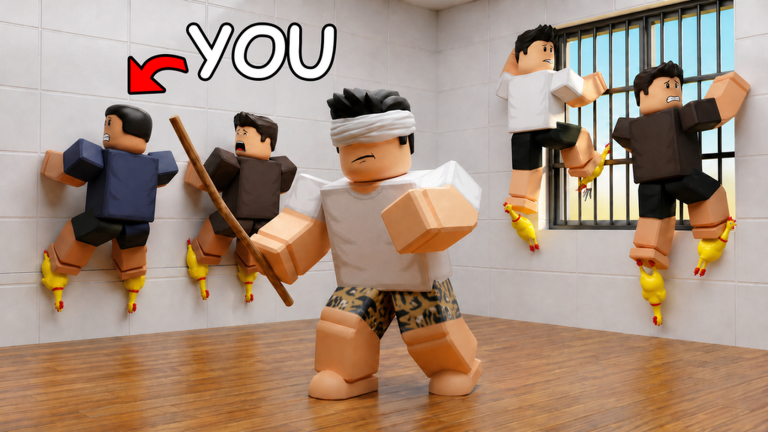
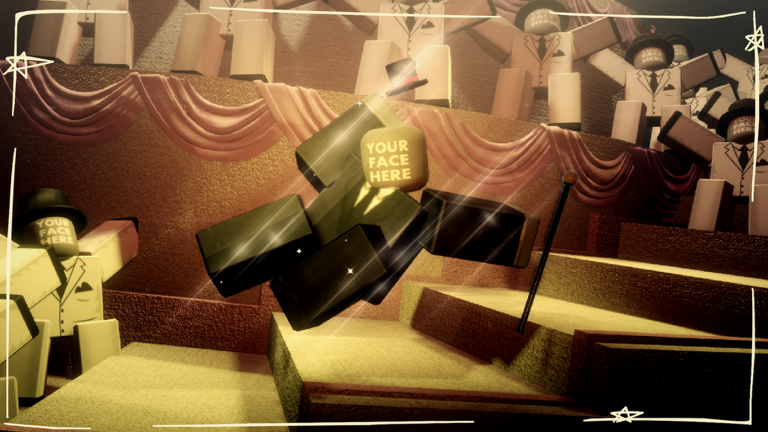
Trending Meme Animations on Roblox offers a unique platform for players to express creativity by showcasing popular animations with their custom avatars. While simply selecting an animation and watching it play is enjoyable, true mastery lies in transforming these individual moments into dynamic, engaging showcases that capture attention and are ripe for viral content creation. This guide delves into advanced strategies, focusing on optimizing your avatar, curating animation sequences, and leveraging visual fidelity to make your presentations stand out in May 2026.
Optimizing Your Avatar for the Spotlight
Your avatar is the star of every animation in Trending Meme Animations. Strategic avatar customization can significantly amplify the impact of your chosen movements. Consider the following:
- Thematic Cohesion: Before selecting animations, think about a theme for your showcase. Does a specific meme animation call for a goofy, oversized avatar, or a sleek, minimalist one? Matching your avatar's aesthetic to the animation's mood creates a more cohesive and impactful visual. For instance, a highly energetic dance animation might pair well with an avatar featuring bright colors and dynamic accessories, while a more subtle, humorous animation could benefit from a deadpan or understated avatar.
- Accessory Synergy: Certain accessories can enhance or even add a new layer of humor to animations. Experiment with items like oversized hats, expressive facial accessories, or even back attachments that react to movement. A well-placed accessory can draw the eye and complement the animation's core action, turning a simple movement into a memorable visual gag.
- Body Proportions: While the game allows you to use your own avatar, consider adjusting body proportions in the Roblox avatar editor before entering the experience. Taller, leaner avatars might emphasize the fluidity of certain dance moves, while shorter, wider avatars could make exaggerated comedic animations even funnier. This pre-game customization is a subtle yet powerful way to influence your showcase's visual appeal.
Strategic Animation Selection: Crafting Your Narrative
Instead of randomly picking animations, approach your selection with a narrative or thematic goal in mind. The game presents a large list of animations, offering ample opportunity for creative sequencing.
The Power of Sequential Storytelling
Even without complex game mechanics, you can create mini-stories by sequencing animations. Think of your showcase as a short film:
- Opening Hook: Start with an animation that immediately grabs attention, perhaps a currently trending meme or a visually striking movement.
- Rising Action: Follow with animations that build on the initial theme or introduce a comedic progression. If your first animation was a confident stride, perhaps the next could be a clumsy stumble, leading to a humorous fall.
- Climax/Punchline: Conclude with an animation that delivers a strong visual punchline or a satisfying resolution to your mini-narrative. This could be the most exaggerated, unexpected, or visually impressive animation in your curated set.
While Trending Meme Animations doesn't feature traditional "animation combos" like those found in combat-focused games, the careful selection and rapid transition between animations can create a similar effect of seamless, dynamic action for viewers.
Leveraging Environments for Enhanced Visuals
The backdrop against which your animations play can significantly impact their visual appeal. While the game's environments might be straightforward, consider how different areas can complement your chosen animations.
- Lighting and Atmosphere: The game itself recommends playing on maximum graphics for better lighting in animations. This is a crucial micro-optimization. Beyond this, observe how different sections of the game world are lit. A brightly lit, open area might be perfect for energetic, celebratory animations, while a more shadowed or enclosed space could enhance dramatic or mysterious movements.
- Background Elements: Look for simple background elements that can add context or visual interest without distracting from your avatar. A plain wall might be ideal for focusing solely on the animation, whereas a subtle architectural feature or a distant landscape could add depth to your scene.
- Camera Angles (for recording): If you are recording your showcases, consider how external camera angles can interact with the in-game environment. Positioning your avatar in front of a specific background element and then using an external recording tool to capture a dynamic camera sweep can elevate the production quality of your content.
Micro-Optimizations for Peak Performance and Recording
For serious content creators, optimizing game settings is paramount to producing high-quality videos or GIFs.
- Maximum Graphics Setting: As highlighted by the game developers, always play on maximum graphics. This ensures the best possible lighting and visual fidelity for your animations, making them more appealing to viewers.
- Stable Internet Connection: While seemingly obvious, a stable, low-latency internet connection can prevent lag or stuttering during your animation playback, which is crucial for smooth recordings.
- External Recording Software: For the highest quality output, utilize dedicated screen recording software rather than relying on built-in Roblox recording features (if any). This allows for greater control over resolution, frame rate, and audio capture, ensuring your viral content looks professional.
Frequently Asked Questions
Q: How can I make my avatar's movements look smoother in Trending Meme Animations?
A: To achieve smoother movements, ensure your Roblox graphics settings are set to maximum, as recommended by the game. Additionally, when selecting animations, some are inherently more fluid than others. Experiment with different animations to find those that best suit your desired level of smoothness. For recording, a high frame rate in your external recording software will also contribute to a smoother final video.
Q: Can I use my friends' avatars in animations within the game?
A: Yes, Trending Meme Animations allows you to choose any avatar, including your friend's avatar, and use it in the animations. This feature opens up many creative possibilities for collaborative content or humorous scenarios involving different characters.
Q: Are there specific "builds" or "loadouts" for different types of meme animations?
A: While Trending Meme Animations doesn't have traditional builds or loadouts in the RPG sense, you can create thematic 'loadouts' by combining specific avatar aesthetics with curated sets of animations. For example, a 'comedic loadout' might involve an avatar with exaggerated features and a sequence of funny, unexpected animations, while a 'dramatic loadout' could use a sleek avatar with more intense or expressive movements. The 'build' here is your overall creative package for a showcase.
Conclusion: Elevate Your Meme Animation Game
Trending Meme Animations offers a simple yet powerful canvas for creative expression. By moving beyond casual play and adopting advanced strategies for avatar customization, animation sequencing, environment utilization, and technical optimization, you can transform your showcases into captivating pieces of content. In May 2026, standing out in the vast world of Roblox content requires not just participation, but a thoughtful, strategic approach to every animation you present. Master these techniques, and watch your meme animations trend!
This article was compiled by the RoUniverse automation pipeline in May 2026 using publicly available sources and is kept up to date as new information becomes available.
Active Trending Meme Animations Codes (May 2026)
0 verified codes available for Trending Meme Animations
This article was researched and generated using AI tools, then reviewed by the RoUniverse editorial team.